
HOW TO BIND JUMP TO MOUSE SCROLL DOWN CS2 (October 2024)
2024-10-11 - 5 min read
By Skinflow


How to bind Jump to Scroll Down using the console
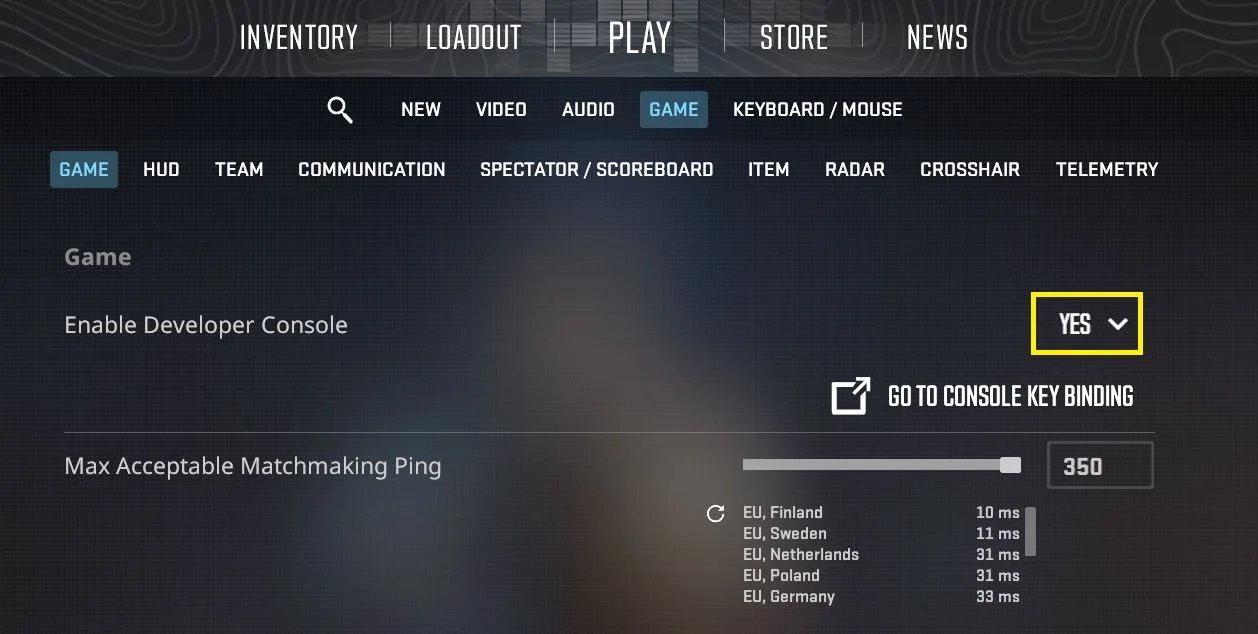
Firstly, make sure you have enabled the Console in the Game settings:
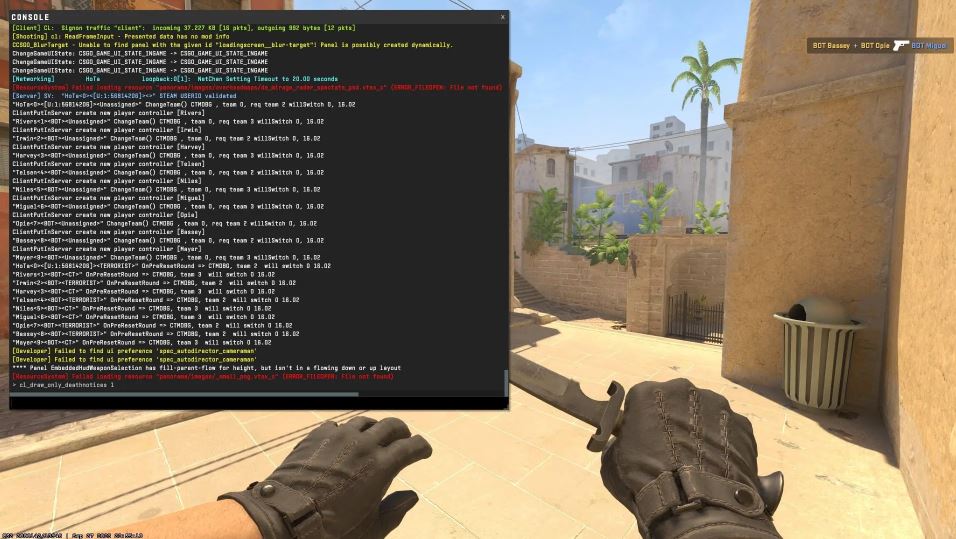
1 - Open your console by clicking the ~ key located above your tab
2- Type the command: bind "MWHEELDOWN" "+jump"
3- To bind scroll up aswell you can use: bind "MWHEELUP" "+jump"
How to bind using Settings
1- Open the in-game settings.
2- Select the "Keyboard and Mouse" section.
3- Navigate to the "Movement" tab.
4- Find the "Jump" option.
5- Reassign the corresponding button to the mouse wheel.
6- Save the settings.
Benefits of binding Jump to Scroll :
Bunny Hopping
To bunny hop, you will want to time your scroll with the timing of your character falling on the ground. Since scrolling the wheel will execute the jump multiple times, it is much easier to time your bunnyhops by scrolling then to repeatedly tap your spacebar. This makes bunnyhopping much easier.
Comfortable gameplay
Many players find the scroll wheel to be a more comfortable jump keybind then pressing the spacebar, this can be found when timing your utilities jump throws or just navigating through obstacles.
Conclusion
To conclude, you can bind your jump to scroll pretty easily using console commands or navigating directly in your settings, this can enhance your bunnyhopping experience or your traditional gameplay.
If you are still having any issues with bunny hopping or binding the key, you can join our Discord community and ask for help